Google has finally pulled the trigger on Android 17, rolling out the stable version to supported devices starting June 16, 2026. If you’re holding a Google Pixel 6 or newer, the update is already hitting your inbox as part of the June 2026 Pixel Drop. This isn’t just another annual patch; it’s a fundamental shift in how the operating system behaves, moving from a simple app launcher to what Google calls an “intelligence system.”
The twist? The AI features aren’t coming later. They’re here now. For months, we’ve been testing betas since February 2026, but seeing the final build live changes everything. The core engine driving this release is Gemini Intelligence, which sits at the heart of the OS and handles complex, multi-step tasks without you lifting a finger.
The AI That Actually Does Stuff
Here’s the thing about previous Android updates: they added buttons. Android 17 adds brains. With Gemini Intelligence, the phone can organize information across apps, draft responses based on context, and even generate custom home screen widgets on demand. You don’t need to hunt for a specific widget maker anymore. Just tell Gemini what you want—a weather display that matches your wallpaper, perhaps—and it builds it.
There’s also a feature called Rambler. It sounds whimsical, but it’s serious business for anyone who records meetings or lectures. Rambler uses on-device AI to strip filler words like "um" and "uh" from transcriptions instantly. It’s not just faster; it’s cleaner. And while some advanced Gemini features will roll out to recent Samsung Galaxy devices later in 2026, Pixel users get the full suite first.
Multitasking Gets a Major Overhaul
If you’ve ever struggled with split-screen mode on Android, you’re going to love the new Bubbles system. Think of it as a mini-taskbar pinned to the bottom of your screen. You can pin frequently used apps there and pop them open in resizable windows. It’s a big shift from the rigid full-screen or half-and-half layouts we’ve had for years.
You can drag, drop, and resize these bubble windows freely. Want to check email while watching a video and browsing maps? Done. It feels less like juggling plates and more like working on a desktop computer, albeit a pocket-sized one. It’s intuitive, fluid, and honestly, it should have been here years ago.
Creator Tools and Visual Refresh
For content creators, Screen Reactions is a game-changer. It lets you record your face in a picture-in-picture overlay while capturing your screen activity. Whether you’re reacting to a meme or demonstrating a tutorial, you get both views simultaneously. No external editing software needed.
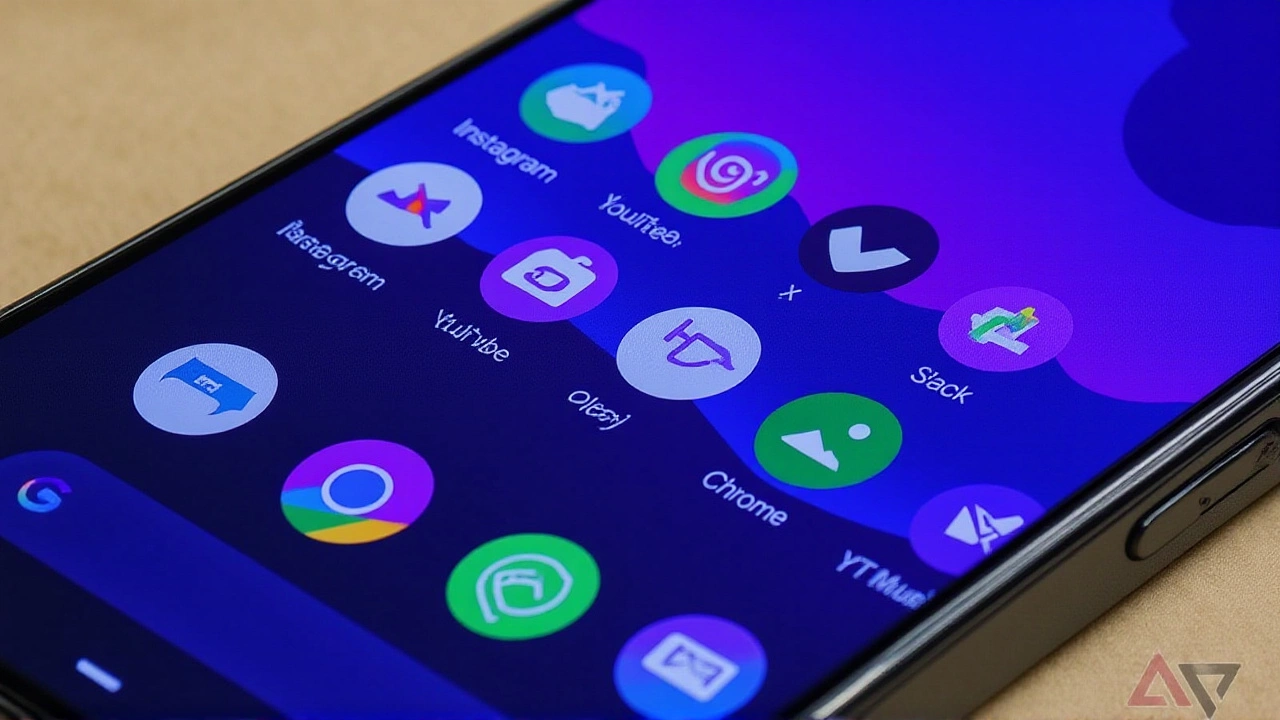
Visually, the OS has taken a cue from Apple’s recent design language. The interface now sports a translucent, frosted-glass aesthetic. Icons float over blurred backgrounds, giving the whole experience a deeper, layered look. It’s subtle, but it makes the device feel premium and modern.
Privacy and Security Tighten Up
Safety remains a priority. Android 17 introduces a one-time precise location button. Apps can request your exact location for a single session—meaning until you close the app—rather than asking for permanent access. There’s also a new Contacts Picker that grants temporary read access only to the specific contact fields you select, keeping your broader address book private.
On the security front, Live Threat Detection monitors installed apps for weird behavior. If something looks compromised, it warns you immediately and offers to uninstall it before damage is done. Plus, the Mark as lost feature now requires biometric authentication to shut down a stolen phone, adding a crucial layer of protection against thieves trying to brick your device.
Who Gets It Next?
While Pixels lead the charge, other manufacturers are lining up. Samsung Galaxy phones, along with devices from Honor, OnePlus, and Xiaomi, are expected to receive the update in staggered waves over the coming months. The upcoming Galaxy Z Fold 8 and Pixel 11 will ship with Android 17 pre-installed, so early adopters won’t have to wait for an OTA update.
One caveat: the highly anticipated Foldable Gaming Mode—which offers a dedicated 50/50 layout for games and virtual controllers—is enabled in the code but won’t be available until later in 2026. So if you’re buying a foldable specifically for gaming, hold tight for a few more weeks.
Frequently Asked Questions
Which devices support Android 17 right now?
The stable release is currently available for all Google Pixel models from the Pixel 6 onwards, including the Pixel 6 Pro, 6a, 7 series, 8 series, 9 series, and the entire Pixel 10 lineup (including Pro XL and Fold variants). Other brands like Samsung, Honor, OnePlus, and Xiaomi will follow in subsequent updates.
What is Gemini Intelligence?
Gemini Intelligence is the AI framework at the core of Android 17. It allows the phone to perform complex, multi-step tasks automatically, such as organizing data across apps, generating custom widgets based on user prompts, and providing smarter search results. It transforms Android from a passive OS into an active assistant.
How does the new Bubbles multitasking work?
Bubbles creates a persistent taskbar at the bottom of the screen where you can pin apps. These apps open in resizable windows rather than fixed split-screen modes. You can drag, resize, and overlap these windows for flexible multitasking, similar to desktop window management but optimized for touchscreens.
Is the Foldable Gaming Mode available yet?
No, not yet. While the feature is built into Android 17, Google stated it will roll out in the coming months. It provides a specialized 50/50 layout for foldables, with the game view on top and a dynamic virtual controller on the bottom half of the screen.
Does Android 17 improve privacy controls?
Yes significantly. It introduces one-time precise location access for single sessions and a granular Contacts Picker that limits app access to only selected contact fields. Additionally, Live Threat Detection actively monitors for malicious app behavior, and theft protections now require biometrics to power off a locked device.